Notifications
In the Notifications section, you can stay up to date with important alerts and updates sent by your agency or the system.
1. Accessing Notifications
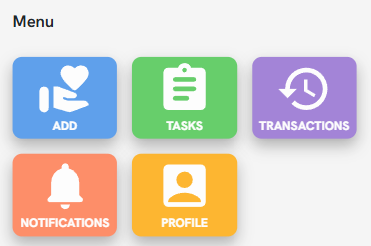
Press the Notifications button on the main menu screen to enter your alert inbox.
2. Management and Filtering
To quickly locate specific information, the view allows you to organize your notifications in two ways:
Filter by Status: You can categorize your notifications to see only Read, Unread, or All. This helps you quickly identify pending tasks or notices.
Filter by Date: Use the calendar bar at the top to select a specific date range. This is useful for retrieving notices from previous periods or checking updates from the current day.

3. Viewing Content
Each notification displays a summary including a title, a brief description, and the date and time of receipt.
By clicking on a notification, you can view the full message and, if applicable, access links or related app sections, such as a newly assigned task.