Getting Started
Logging in to InKind Pro
Follow these steps to sign in to your InKind Pro dashboard.
Steps
1
Go to the login page
Open your web browser and navigate to https://impact.inkindpro.com/app.
2
Enter your credentials
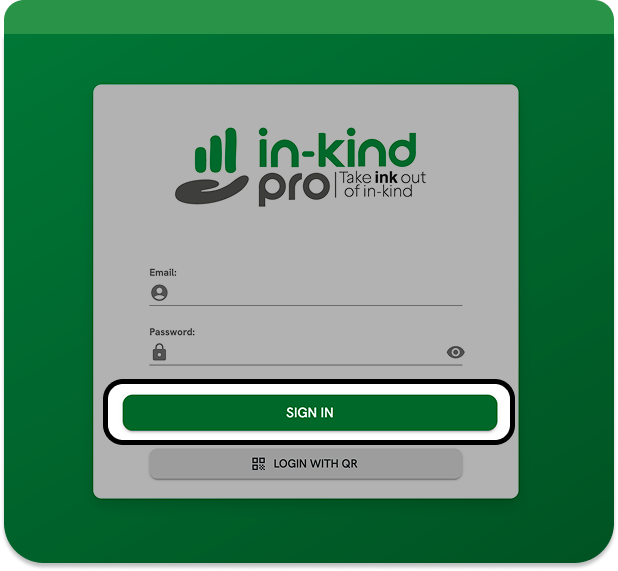
Enter your username and password in the login form, then click Sign In.
3
Access your account
You will be directed to your account once sign-in is complete.
4
View the dashboard
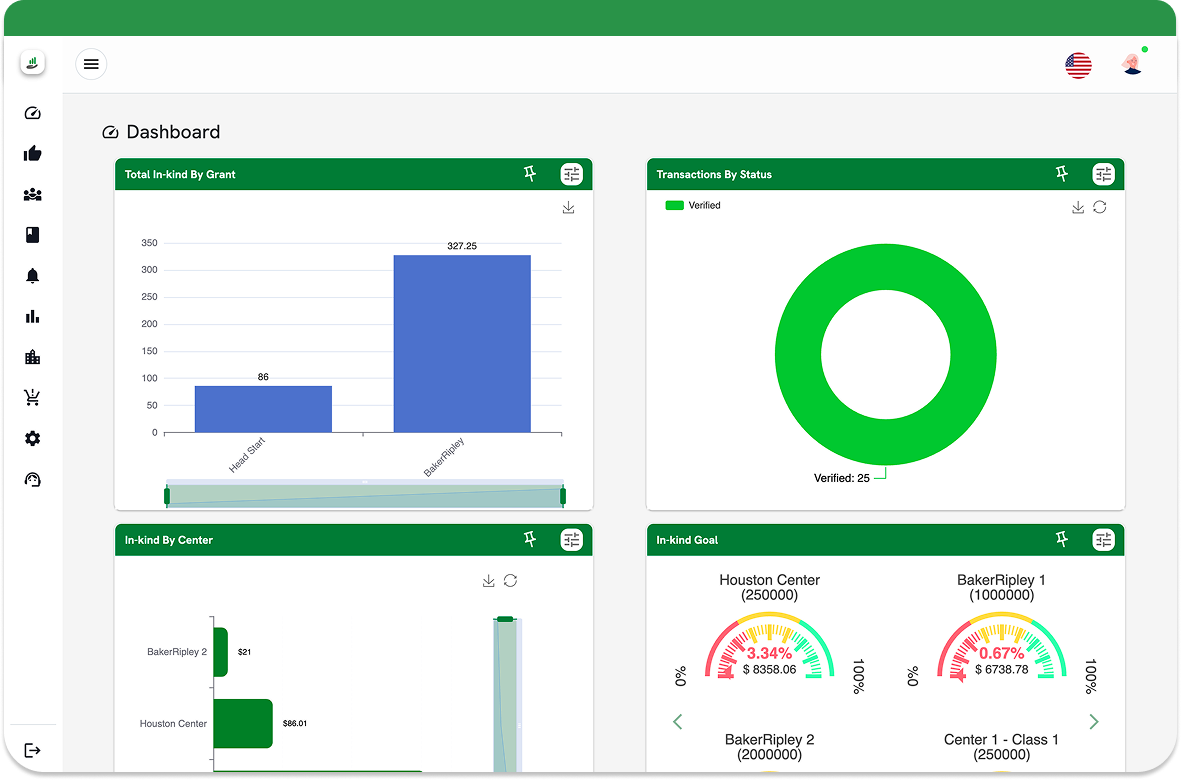
Once logged in, the dashboard console will display. From here you can manage transactions, donors, and agency settings.