Assign Centers to an Agency User And update permissions
1. Go to the Users list.
2. Select an agency user.
3. Navigate to the Permissions section.
4. In the Centers list, you can either assign all centers or select specific centers individually.
5. You can modify a user's permissions from this view.
6. Click Update User to save the changes.

Figure A
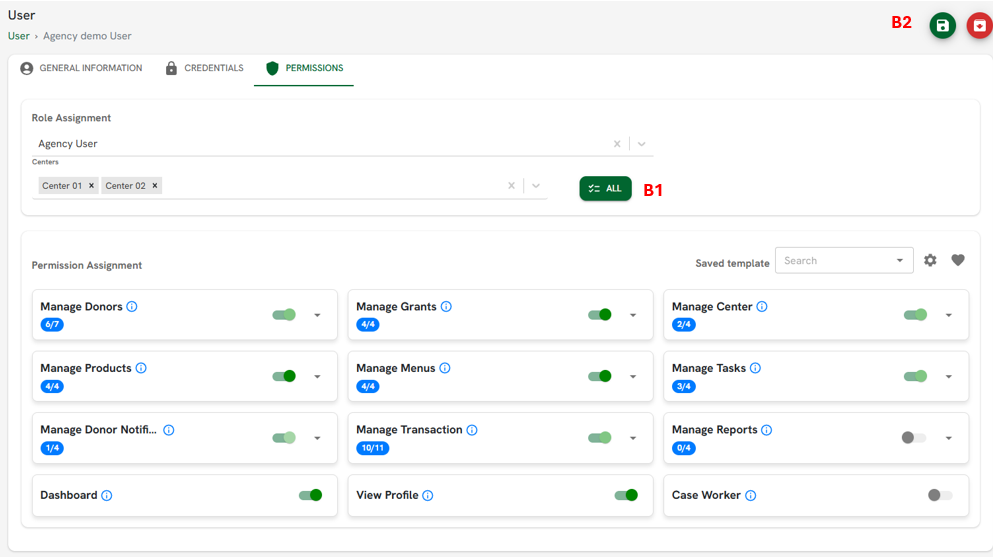
Figure B
Related Articles