Working with users
As an administrator, you can add new users to the system and help manage their accounts:
1. Go to the "Users" section in the main menu (figure A).

Figure A
2. Click the "+ New User" button to create a user, click on button on the screen (figure B).
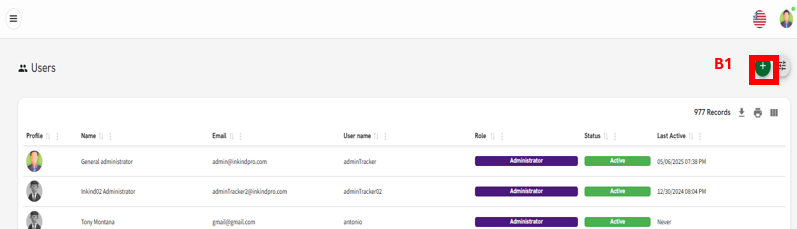
Figure B
3. Fill in the required information: Full name, email address, role (determines what they can access), password time zone and language.

Figure C
4. Click "Create User" to finalize.
Related Articles