Managing Your Donors
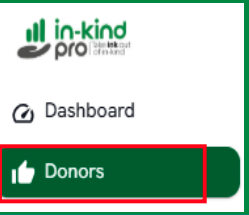
9.1. Go to "Administration" > "Donors" (Figure 23).
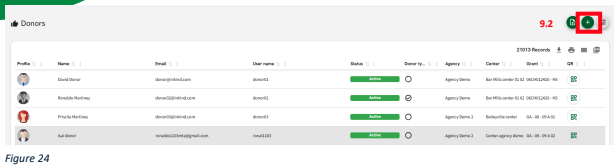
9.2. Click "+" (Figure 24).
9.3. A box will appear with the fields where you can enter the information required to add a donor user (Figure 25).
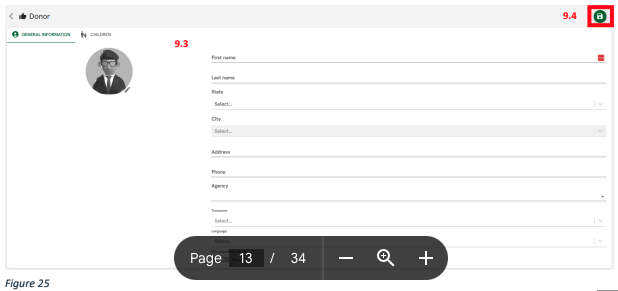
9.4. Click the "Save" button to save the changes.
Related Articles