Sending a Support Email
Sending a Support Email
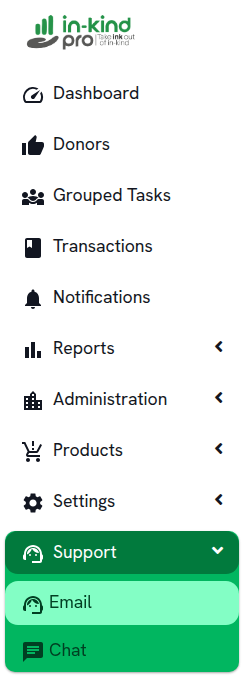
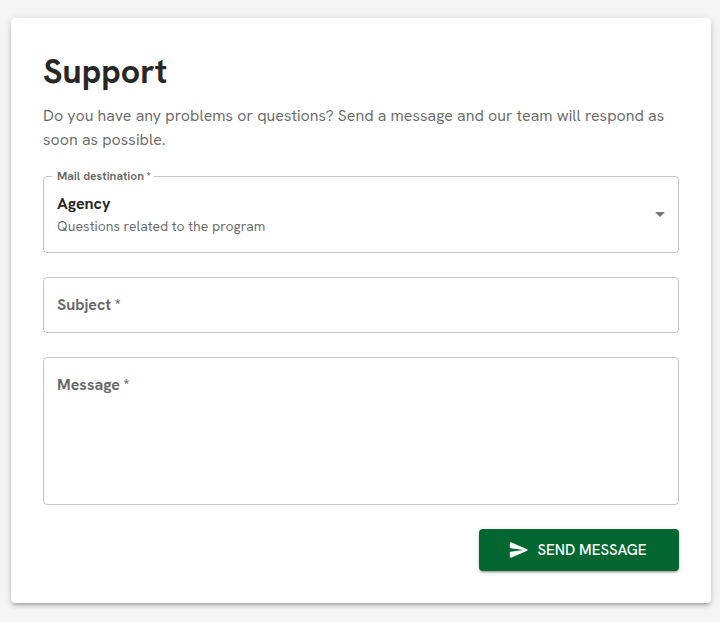
Click on Email to open the support form. Fill in the following fields:
- Mail destination — Select the recipient of your message. The default option is Agency, which routes your message to questions related to the program.
- Subject — Enter a brief description of your issue or question.
- Message — Write the details of your question or problem.
Once all fields are completed, click Send Message. The support team will respond as soon as possible.
Related Articles