Announcements
25.1. Go to “Notifications” (Figure 60).
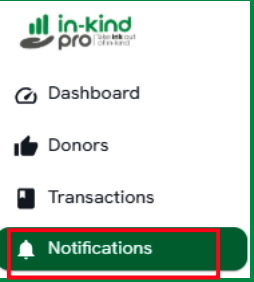
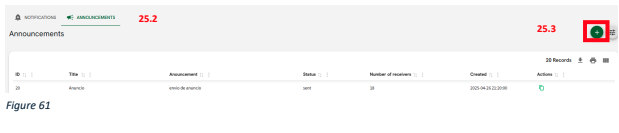
25.2. Click in “announcements” tab.
25.3. To create a notification, click the “+” button (Figure 61).
25.4. Scroll down the screen to view the fields where you can enter the required information to add an announcement. (Figure 62).
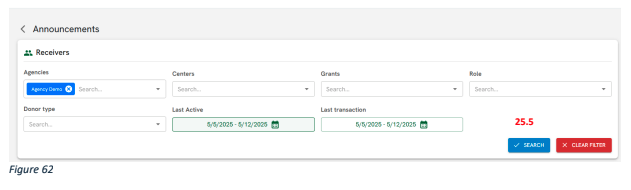
25.5. Click in “search” button
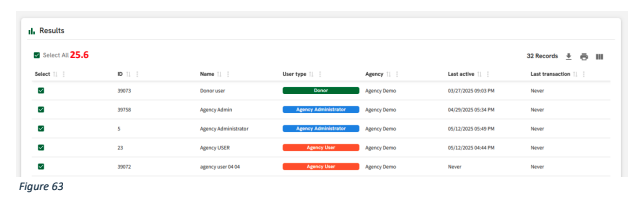
25.6. Choose the users to whom you want to send an announcement (Figure 63)
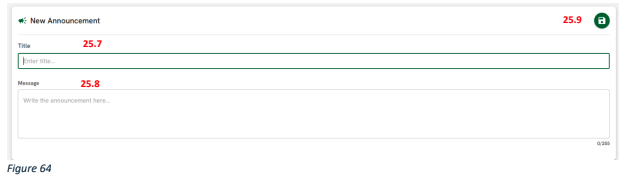
25.7. Enter the title of the announcement in the "Title" field.
25.8. Write the announcement content in the "Message" box.
25.9. Once finished, click the save button (green icon with a disk) to send the announcement.
Related Articles