Creating a Task
Task Management is a way to assign specific products to individuals or whole classes.
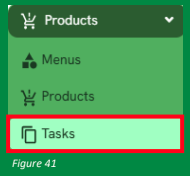
1. Navigate to the "Task" tab as shown in (Figure 41).
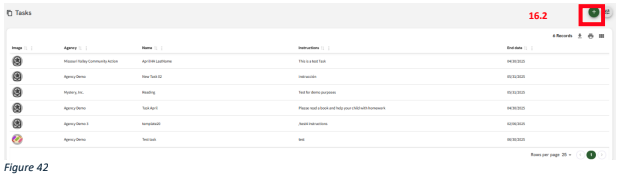
2. Click the "+" button displayed on the screen (Figure 42).
3 There are two types of tasks available:
General Tasks: Standard tasks that donors can complete individually over time as they make transactions. These are available to all agency administrators.
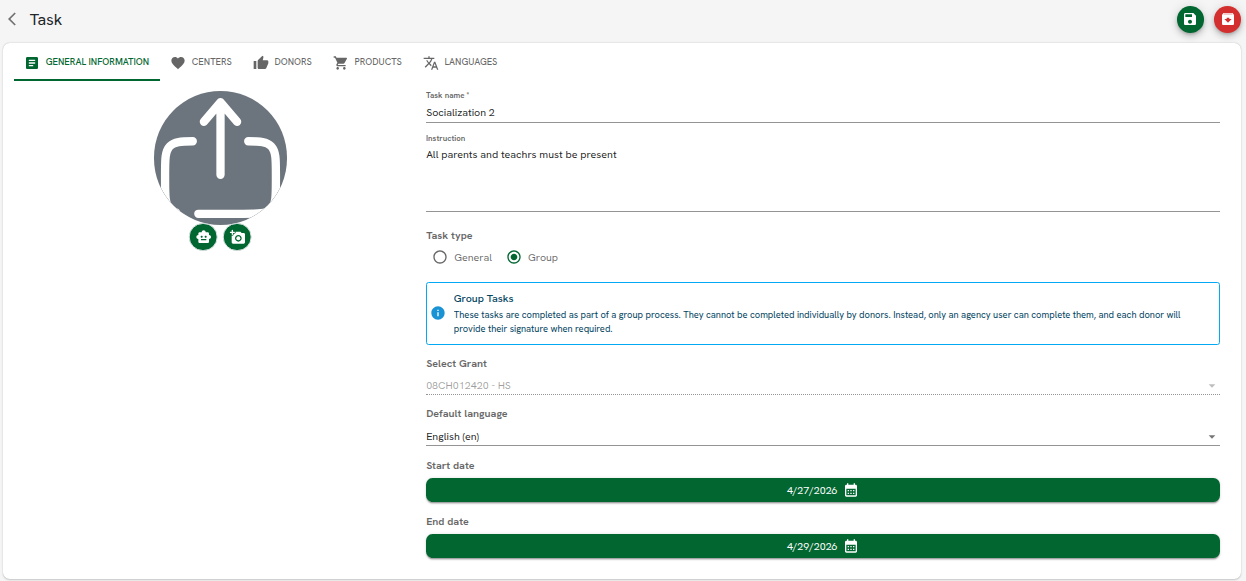
Group Tasks: Tasks designed to be completed with the assistance of an agency user, who collects signatures from multiple donors in a single session. For each donor who signs, an individual transaction is automatically created in the system.
Note: Group Tasks are only available if the agency has the Group Tasks feature enabled AND the user has the Create Group Task permission under Manage Tasks.
4. A form will appear with fields for entering general information (Figure 43): Name, grant, default language, start Date (required), End Date (required).
Related Articles